
 Support
RentPackage AI Assistant Pach: Landlords and Property Managers Just Ask, and Pach Sets Up Properties and Leases for You
Contents
Why you need Pach
Rental management never clocks out: on a weekend someone asks which units haven't paid, and you have to get home to a computer to check one by one; a new colleague doesn't know the system and keeps asking; dozens of leases sit in Excel waiting to be typed in. Pach is the AI assistant built into RentPackage: ask whenever you're stuck, and let it look up or set up your data.
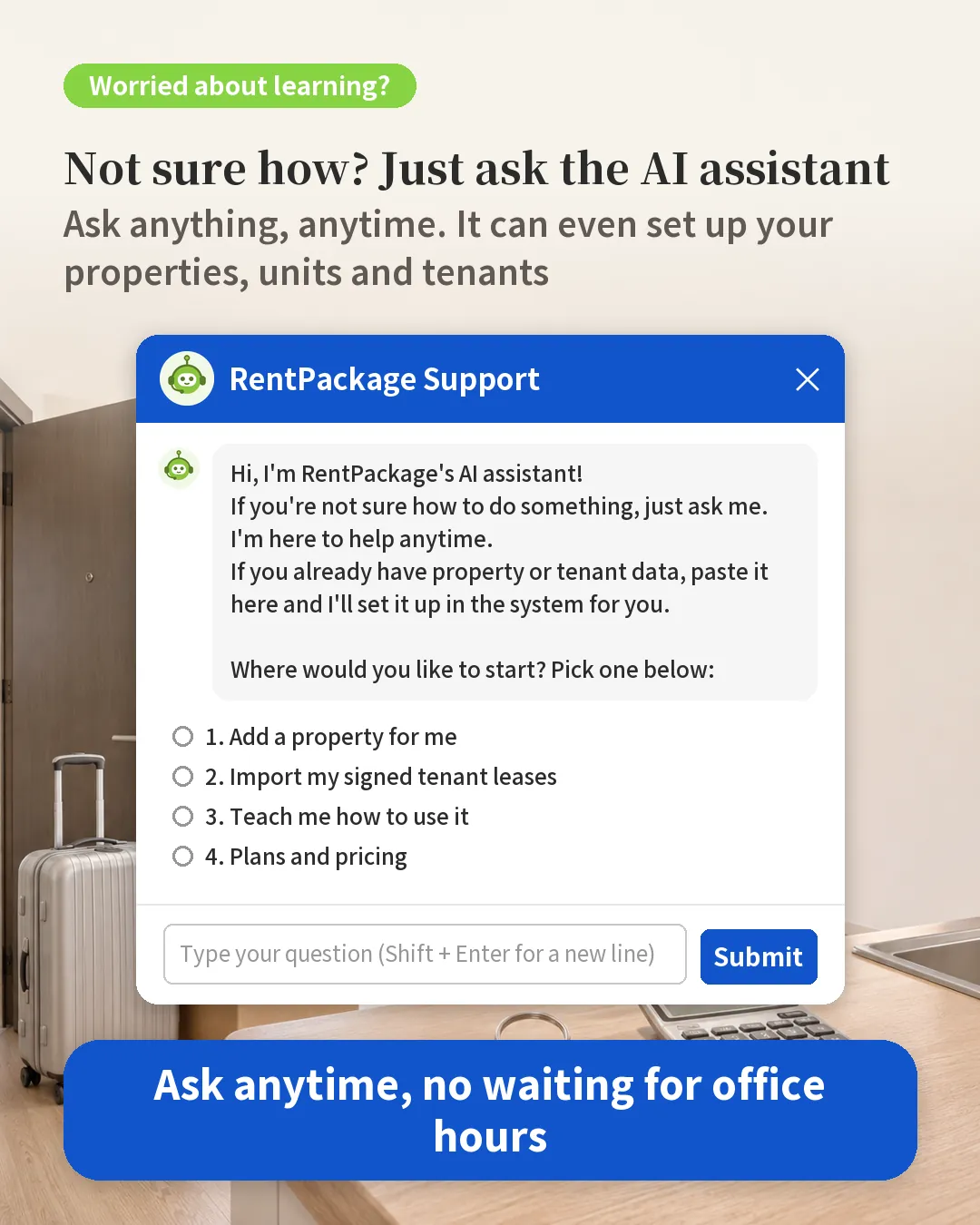
What Pach can do for you
- Answer how-to questions: tells you what to click next based on the screen you have open.
- Look up your data: overdue rent, units with meters not read, tenants moving out, a tenant's or colleague's phone number.
- Add properties: paste data from Excel and Pach creates self-managed, managed or sublet properties with units and owners.
- Import signed leases: paste tenants, terms and rent, and the rent bills are generated automatically.
- Sign a new lease: Pach fills in the details and opens Add Contract; you choose how to sign and sign it yourself.
- Set up custom notification rules: describe what you need in one sentence and Pach writes the rule and the email.
How to open Pach
Click [Support] at the bottom right. Pach greets you with a few options to start with one click, or you can just type your question. It works the same on your phone.
Four common examples
| You ask | What Pach does |
|---|---|
| "Which units are overdue?" | Lists the overdue units and tenants in the properties you follow; click a property name to open it. |
| Paste property and tenant data from Excel | Shows a preview; after you check it, click [Confirm and create] and the properties, units, leases and rent bills are created. |
| "Remind tenants 30 days before the lease ends" | Writes the rule and the email; click [Add Custom Notification Rule] to open the filled-in page and save it after checking. |
| "What do I enter here?" | Explains each field in the window you have open. |
Is your data safe?
- Pach only sees the properties you follow, the same as what you see on screen, and never another company's data.
- Any change to your data is made by your own click: confirm, sign or save. Pach never changes data on its own.
FAQ
Can I use Pach on the trial version?
Yes, you can ask how-to questions, look up data and set up custom notification rules. Trial data is shared by everyone, so Pach can't add properties or import leases on the trial; that works after you purchase.
Could Pach change my data by mistake?
Pach never changes data on its own. It only organizes data and fills in forms; the final confirm, sign or save is always your click, and you can see everything on screen first.
Are Pach's answers always right?
Pach is an AI; the screens and FAQ articles are the final reference. When it can't answer, it asks you to fill in the support form and our support team replies by email.
Summary
Today, not knowing how to do something means searching guides or asking colleagues, checking data means clicking unit by unit, and old records mean retyping. In RentPackage, just ask Pach: how-to questions, lookups and data setup all happen in one chat.
Click [Support] at the bottom right and try asking "Which units are overdue?"
Try RentPackage for freeRelated articles
- RentPackage Custom Notifications: Automatic Lease Renewal, Rent Increase and Insurance Expiry Reminders for Landlords and Property Managers:Ask Pach in one sentence to write a custom notification rule for you.
- RentPackage Add Managed Property: Set up the property, owner, opening balance, and online signing in one go:The steps to add a property, or paste the data to Pach and set it up at once.
- RentPackage Add Lease: Set the lease term, deposit and utilities in one go, and billing periods are generated automatically.:The full guide to adding leases and importing existing tenants.