📄 Interface Environment Overview: Understand the main screen in five minutes, knowing where to handle everything. 📄 How to use Property Overview in RentPackage for a quick grasp of the full building status. 📄 Add Managed Property: Complete property setup, owner details, account opening, and online signing in one go. 📄 Tenant Move-in & Lease Signing: Set rental period, deposit, utilities, and billing cycle in one go. 📄 Tenant Ledger Actions: Payment Reconciliation, Partial Payments, Meter Reading, and Deposits. All routine rent collection in one place. 📄 Owner transfer feature guide 📄 Profit Calculation: See exactly how much the owner and your company each earn 📄 How to Quickly Estimate Next Month and Year’s Rental Income with Forecast Receipts in RentPackage 📄 Compliance assistance and responsibility statement 📄 Contract templates overview 📄 Sublandlord feature guide 📄 Partial payment feature guide 📄 Advance Receipts feature guide 📄 Rent billing periods feature guide 📄 Start billing feature guide 📄 Recurring billing periods feature guide 📄 Booking feature overview 📄 E-contract setup guide 📄 Management fee setup guide for property management companies 📄 Why are deposits and advance receipts liability accounts in accounting? 📄 RentPackage General Edition overview 📄 Commission split setup guide 📄 why do all landlords and agents need tenant management automation software? 📄 How to handle exchange rates for Euro-denominated rent? 📄 US Tax Filing - Schedule E Instructions 📄 UK Tax Filing - SA105 Instructions 📄 How to activate Stripe online rent collection in RentPackage 📄 How to use Calendar to schedule tenant notifications: Power outage example 📄 How to set the agency logo to display your brand on Email notifications and contract PDFs 📄 What is Rent Insurance? Compensation for unpaid rent; policy managed with the lease 📄 Anlage V Germany Rental Income Tax Report User Guide 📄 T776 Canada Rental Income Tax Report User Guide 📄 PIT-28 Polish Rental Income Tax Report User Guide 📄 How to Generate an Australian Rental Schedule in RentPackage, Auto-Match Income and Expenses to ATO Categories 📄 How to Use the Romanian Rental Income Tax Report (Declarația Unică 212) in RentPackage 📄 How to generate Hungarian SZJA rental income report data in RentPackage and compile eSZJA entry numbers with one click. 📄 Profit and Loss Statement: Auto-calculates income per property, per owner 📄 Balance Sheet: How much of the bank balance is tenant's? View deposits and prepayments at a glance. 📄 Cash Flow Statement: How much did actual cash increase during the rent period? 📄 How to generate a General Ledger in RentPackage, automatically summarizing rent and property accounts 📄 Enter manual journal entries: repairs, insurance, depreciation. Record transactions outside of the billing period. 📄 Custom rental notifications: rent reminders, lease expiration, sent to the right person at the right time 📄 LINE Rent Payment Notifications: Tenant Setup Guide and Automatic Rent Reminders 📄 Why can property management software dramatically save time and cost?

Why can property management software save so much time and money? — Real advantages for landlords and brokerages

In the rental and property management market, operational efficiency directly impacts profitability. For individual landlords, time is money; for brokerage firms, labor costs can make or break the business. As leasing scales and goes digital, property management software has become essential—not just for convenience, but for truly saving significant time and labor costs.

This article explains, from the perspectives of landlords and brokerages, how property management software delivers concrete benefits, and quantifies the cost gap between manual work and software.
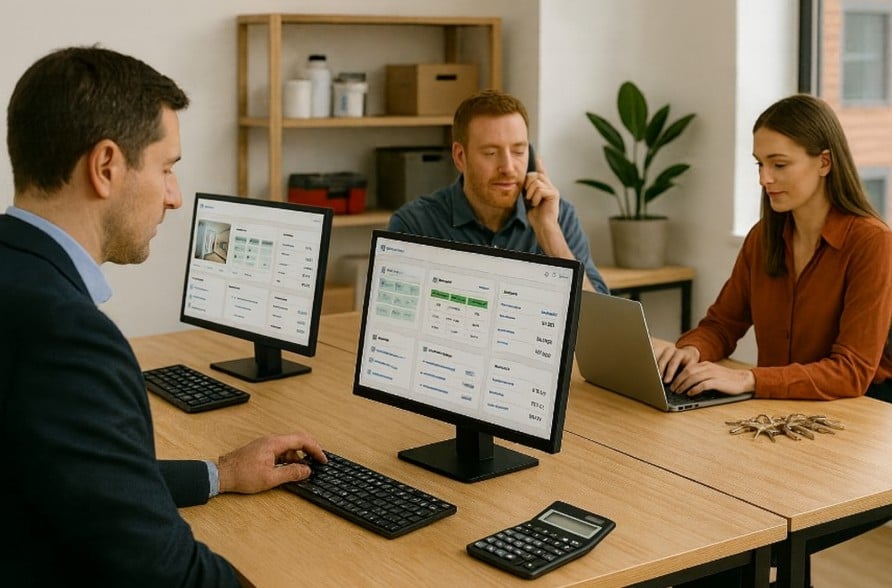
✅ Landlords: Manage many properties efficiently, even solo

Traditional landlords spend a lot of time on repetitive admin tasks, including:

  • Lease-signing workflow: contact tenants, schedule, meet in person, explain the lease, sign, scan, and file.
  • Billing cycle: manually create monthly rent and utility invoices, read meters, calculate amounts, and send notices.
  • Rent collection: contact each tenant, send payment reminders, and track receipts.
  • Maintenance handling: after a repair call, find a vendor, schedule, and follow up.
  • Move-out settlement: verify unpaid items, handle deposit deductions and refunds.

With property management software, landlords can:

  • Sign leases online—no in-person meeting.
  • Automatically generate invoices per lease, record meter readings, calculate amounts, and send rent notices.
  • Automated collections and reminders, with real-time payment status in the dashboard.
  • Tenants submit maintenance online; the system dispatches vendors and tracks progress.
  • At move-out, the system auto-settles receivables/payables with one click.

Even one person can easily manage 10 or 20+ units without getting bogged down by busywork.
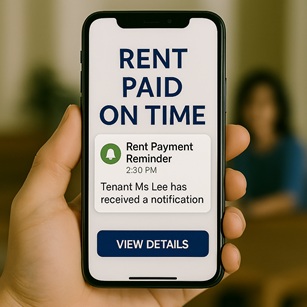
✅ Brokerages: Save significant labor and administrative costs

Brokerages that lease and manage on behalf of owners face more complex workflows, serving both tenants and owners, including:

  • Tenant accounting: collect rent, pay utilities/gas/other fees on behalf, and issue tenant invoices.
  • Owner accounting: compile the monthly owner statement (net of management and repair fees) and issue payment records.
  • Dual contract management: manage both tenant leases and owner management agreements.
  • Move-outs and deposit management: after move-out, settle deposits and charges between tenants and owners to ensure financial transparency.

With property management software, these workflows can be standardized and automated:

  • Automatically generate and send invoices for rent, utilities, and management fees.
  • Automatically allocate costs and generate owner statements.
  • Systemized tracking for tenant and owner contracts.
  • Move-out workflows automatically settle receivables/payables and handle deposits.
  • Data is centralized in the cloud—no risk of loss or misposting.

Handle more properties with a leaner team, reduce errors, enhance your professional image, and significantly cut staffing costs.

✅ Manual vs software management: real-world time and cost comparison

Example: managing 30 units—the time and cost differences between manual processing and using software are as follows:

Item Manual process Estimated time/cost (monthly) Using a property management system Estimated time/cost (monthly)
Signing process Schedule a meeting, travel back and forth, explain the contract, sign, scan and file About 5 hours × $200 + gas $300 = $1,300 E-sign, one-click send About 20 minutes × $200 = $70
Create billing cycle, read meters, send bills Manually create bills, read meters, calculate charges, send notices About 8 hours × $200 = $1,600 Auto-generate, send on schedule About 30 minutes × $200 = $100
Rent collection and payment records Contact each unit, confirm payments, record manually About 4 hours × $200 = $800 Auto reminders, back-office payment records lookup About 15 minutes × $200 = $50
Repair coordination and scheduling Answer calls, find technicians, coordinate scheduling, follow up on progress About 5 hours × $200 = $1,000 Repair request form, auto dispatch and tracking About 30 minutes × $200 = $100
Settle tenant and owner accounts Manual reconciliation, generate reports, disburse funds, settle deposits About 10 hours × $200 = $2,000 Auto reconciliation, generate reports, record disbursements About 1 hour × $200 = $200

✅ Monthly totals comparison

Item Total manual cost Total system cost
Time cost (estimated at $200/hr) About 32 hours × $200 = $6,400 About 2.5 hours × $200 = $500
Gas/transportation About $300 $0 (online)
Total about $6,700+ Under $500
✅ Adopting a property management system saves over 90% of time and cost every month!
✅ Summary

Whether landlords self-manage or real estate agencies run large-scale management, implementing a property management system cuts 90%+ of time and labor costs. It greatly reduces errors, boosts efficiency, and lets landlords and agents focus their time and resources on operations and service instead of tedious day-to-day tasks.

Choosing the right property management software means choosing an efficient, professional, and sustainably growing business model for the future.